Overview of every minute of work and time off
- 14 days free
- No credit card required







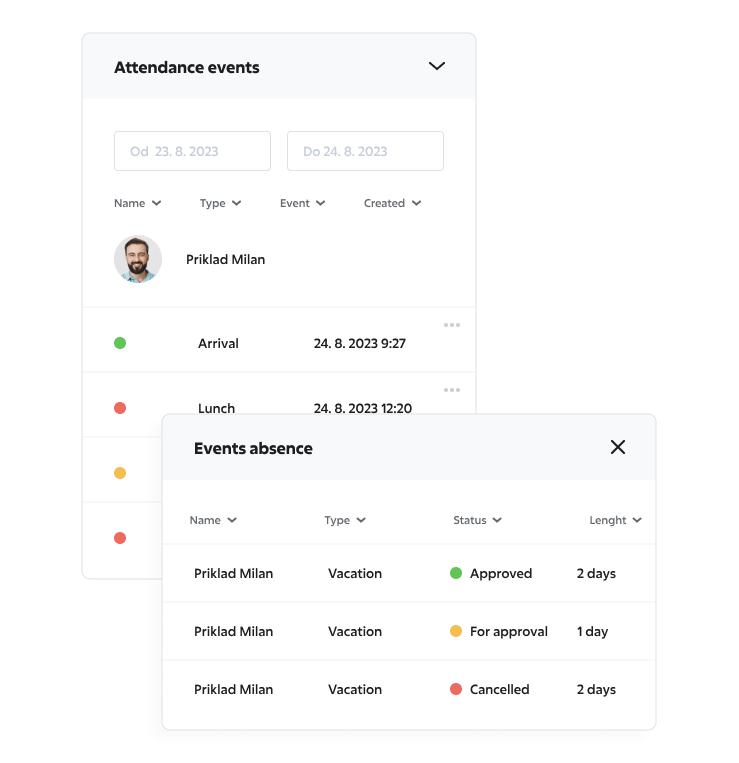
Attendance and absences
Working hours and absences
The Sloneek HR system offers a fully configurable solution for calculating the net time pool based on holidays, public holidays and approved absences. Thanks to the electronic attendance system you can also keep an accurate record of everything.
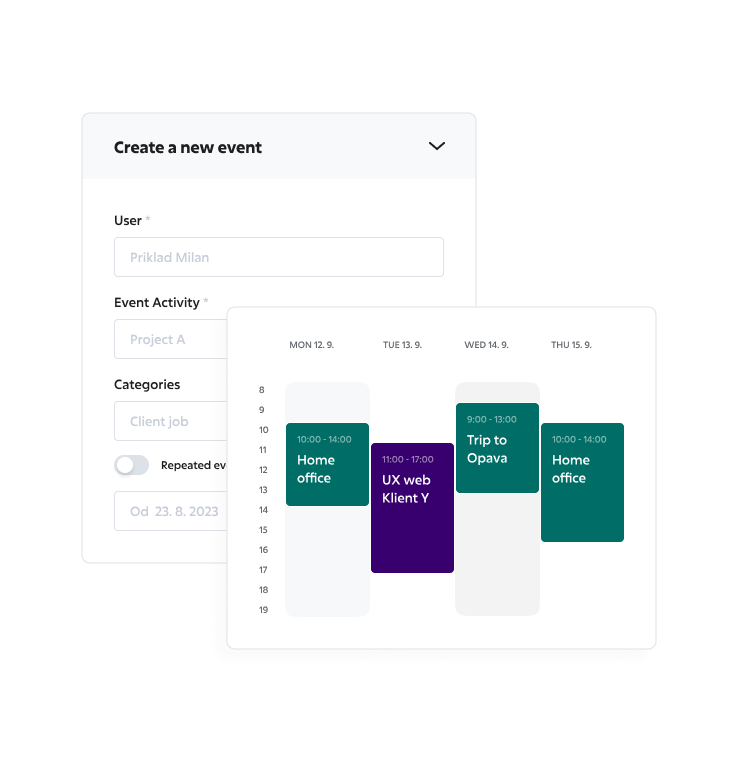
Scheduling and time tracking
Time tracking and work planning
Sloneek allows you to track working time using time tracking with flexible settings that can be used for all types of working relationships. It also includes easy work scheduling and shifts.
- Entering home office
- Planning business trips
- Shift planning
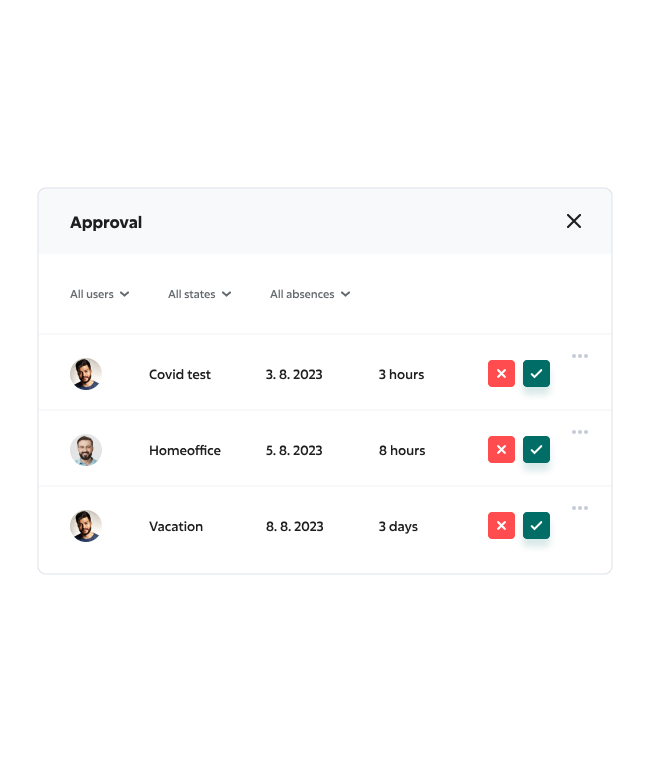
Approval process
Approval of events by supervisor
Events that are subject to manager approval are approved in a clear team calendar, in which each event can also be commented and attached to its file as an attachment. This eliminates emailing and confusion.
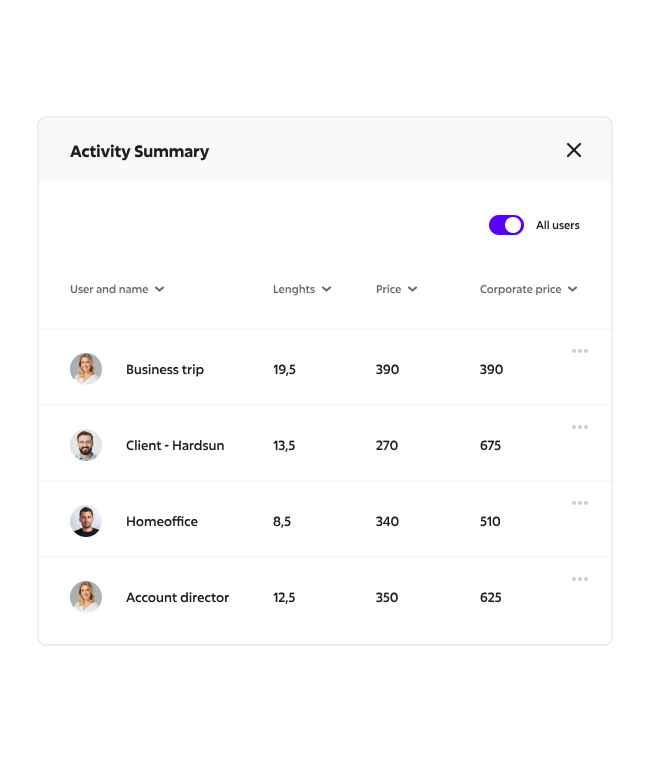
Documentation for invoicing
Documents for invoicing work
Honestly reported time on projects in conjunction with clear reporting will provide you with the accurate documentation for internal and external billing in a few clicks and in the format you need.
Reporting
Clear reporting
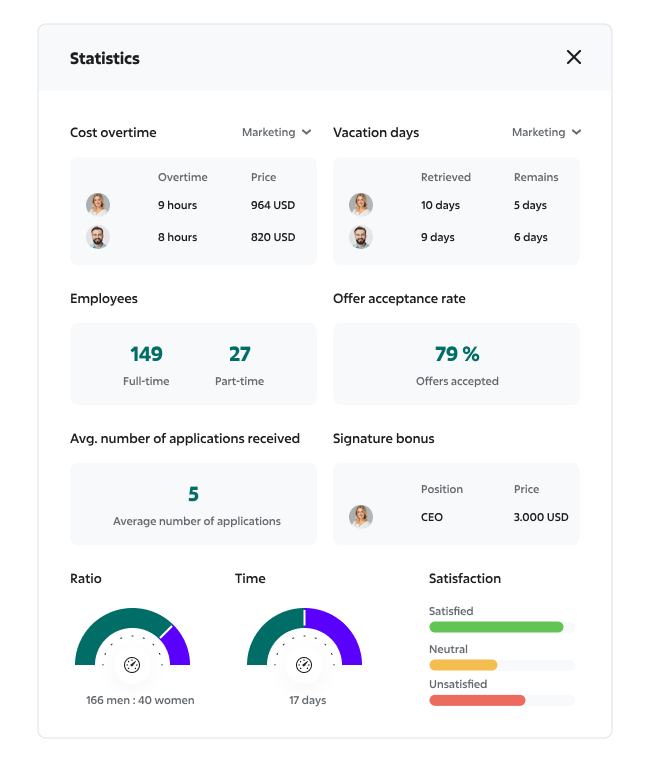
What you can measure, you can better manage. Optimise and plan capacity more accurately and prepare the payroll department’s documentation for smooth payroll clearance. You can create custom views or contingency tables and then download the reports in CSV or XLS format.
Can we help you?
Our experts will answer questions, show you Sloneek , and help modernize your HR.
- Superior onboarding
- Introduction of all functionalities
- Presentation and offer tailored to your HR
- Answer any questions


Leave us your contact details, we will get back to you.
Work Reporting: How to Create Meaningful Daily Activity Reports
In today’s world of hybrid work and remote teams, tracking work has become an increasingly important tool for managing companies, projects, and individual teams. Yet many employees still see it as pointless bureaucracy. However, when daily work reporting is properly set up, simplified, and even automated, it can provide real value — both for management and employees alike. Activity reports, such as daily activity reports and weekly activity reports, provide companies with a structured overview of employee productivity and project progress, crucial for managing remote or hybrid teams. Daily activity reports help managers track daily tasks and identify potential bottlenecks quickly, enabling timely interventions and fostering a culture of accountability. Meanwhile, weekly activity reports offer a broader view of team performance and workload distribution, aiding in strategic planning and resource allocation. Additionally, work activity reports and user activity reports deliver insights into individual and collective work patterns, helping managers tailor support and optimize workflows to enhance overall efficiency and collaboration in remote settings.
What is Work Reporting and Why Should You Implement It?
Daily work reporting (also known as a daily activity report) is a simple way to regularly document what an employee worked on and how much time they spent on each task. These reports typically include:
- A list of completed tasks
- Time spent on each activity
- The projects or clients associated with the work
Many companies use templates for this — often Excel spreadsheets — to standardize the reporting process. Today, a wide range of specialized work reporting tools exist that can greatly simplify the process, such as Sloneek. These tools offer automation, AI features, team sharing options, and much more.
Daily activity report templates serve as essential tools for systematically documenting and reviewing the day-to-day activities within various organizations. These templates streamline the reporting process, enabling companies to efficiently track and analyze daily operations, whether it involves in-person visits or addressing maintenance issues. In certain industries, such as security, specialized reporting formats like security daily activity reports are vital for ensuring comprehensive documentation of incidents, security checks, and related activities. Similarly, incident reports are crucial for detailing any unexpected events, providing a structured way to capture essential information for future reference and analysis.
Benefits of Team-Based Work Reporting
- Better planning and resource allocation
- Improved transparency across the team
- Insight into the performance of individuals and groups
- Data for invoicing and evaluating project profitability
- Early detection of inefficiencies or employee overload
When implemented properly, work reporting enables managers to easily monitor project progress and team workload distribution. Management teams can effectively utilize teams activity reports and work logs to monitor and evaluate the contributions of individual team members over a defined date range. By analyzing these detailed records, managers can gain insights into each team member's productivity, identify areas of improvement, and ensure that projects remain on track. This data-driven approach allows for more informed decision-making and resource allocation, ultimately enhancing team performance and overall organizational efficiency.
Suspicious Reporting: What to Watch Out For
Any system can be misused. A common suspicous acitvity examples are when someone logs eight hours for a single task without any clear output or tracks his work retrospectively without good desription. This kind of reporting could indicate inefficiency, misunderstanding, or even deliberate misrepresentation.
Using automated work reporting software can reduce the risk of such issues, as entries are often managed by an administrator and offer more traceability. Suspicious Activity Reports play a crucial role in detecting and preventing fraudulent or illegal activities by alerting authorities to transactions or behaviors that deviate from the norm. Companies monitor suspicious activity by meticulously analyzing audit logs and activity history to identify patterns or anomalies that may indicate wrongdoing.
What Tools Should You Use?
The ideal solution is a dedicated app for daily work reporting. This allows employees to log their activities throughout the day or at its end. For greater team effectiveness, team-based reporting systems are especially useful, as they provide a broader overview of group activities. By integrating features like Power BI dashboards, activity charts, and centralized admin centers, reporting software can significantly enhance system activity monitoring. These tools provide real-time insights and analytics, making it easier for managers to visualize data, spot trends, and optimize workflows for improved organizational performance.
Modern tools typically include features like:
- User-friendly interfaces
- Customizable report formats
- Notifications and reminders
- Export to Excel or integration with other company systems
How to Get Started
- Choose the right format – Whether it’s a simple email summary, an Excel template, or a professional system, pick a format that fits your needs. Set a clear reporting frequency – Daily reports are ideal for fast-paced environments, while weekly summaries may suit more stable roles.
- Clarify the purpose – Ensure employees understand that reporting isn’t about surveillance, but about improving workflows, planning better, and managing resources efficiently.
- Lead by example – Managers should also log their activities to show commitment to the process.
- Use the data strategically – Go beyond tracking: use reports for better forecasting and performance improvement.
Additionally, organizations can enhance the flexibility and clarity of daily reporting by incorporating special tags, which allow for more precise categorization of tasks and activities. Utilizing shift time records can help in managing and assessing productivity across different time slots, ensuring optimal resource allocation. Furthermore, offering reports in an HTML version makes them easily accessible and interactive, promoting better engagement with the data.
Conclusion
Work reporting doesn’t have to be complicated, time-consuming, or unpleasant. When implemented correctly, it becomes a powerful tool for managing people, projects, and budgets. Today’s work reporting tools can streamline the entire process and deliver value for everyone involved. Features like electronic incident reporting enhance documentation accuracy and speed, ensuring quick resolution of issues. User profiles provide tailored data visualization and insights, fostering personalized experiences that accommodate diverse team needs. Additionally, workplace communication tools facilitate smoother interaction among team members, enhancing collaboration and enabling more comprehensive reporting outcomes.
And remember: a well-crafted activity report isn’t just "HR paperwork" — it reflects how your company truly operates and lays the groundwork for smarter planning and decision-making.
Organize your people’s time. These tools allow you to track what and how long people are engaged in and when they are free.