Modern Attendance Systems and Their Benefits for Effective Human Resource Management
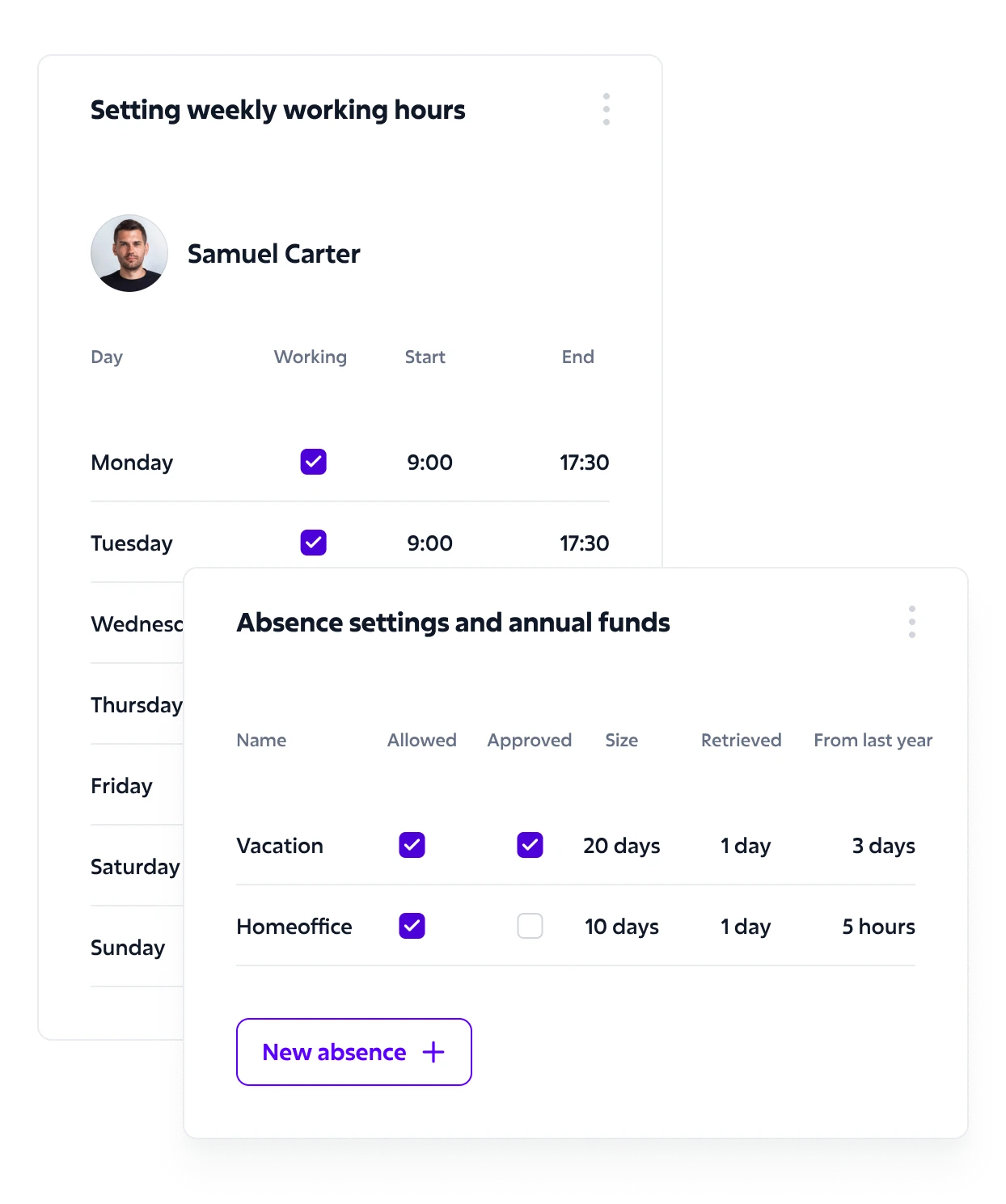
In today’s dynamic work environment, employee attendance and its monitoring are key to effective human resource management. As someone interested in optimizing work processes, I understand how essential a reliable attendance system can be. It helps not only with tracking presence but also with analyzing productivity and planning work shifts. Many modern attendance systems also support self-service functionalities, which improve business processes and reduce common hassles associated with manual tracking. With a strong digital infrastructure, these tools ensure smoother processes and greater data accuracy. By digitizing attendance through features like timesheets, companies can track working periods, exceptions, and accrual of leave more efficiently.
Modern attendance systems offer much more than just recording clock-ins and clock-outs. Thanks to advanced technologies like biometric data or cloud-based solutions, they are becoming invaluable tools for any company aiming to stay competitive. I believe a properly implemented system can significantly simplify administrative tasks and provide clear visibility into attendance patterns. Integrated time clock features and time and attendance software provide a central platform to manage employee check-ins, time tracking, and overall attendance analytics. These systems also allow for better navigation through employee data, improving staff productivity and speeding up decisions.
If you’re looking to improve people efficiency in your company, attendance tracking could be the right step. A well-chosen system is an investment in the future, which quickly pays off through better organization, increased efficiency, and happier colleagues. And let’s be honest – from a certain number of employees onward, using an electronic attendance system should be a given. Many platforms offer easy access from common browsers or mobile devices, making them suitable even for distributed teams or school-based environments.
What Is an Attendance System?
An attendance system is a tool used to monitor and record employee presence in the workplace. With it, you can accurately log when employees arrive and leave. Modern systems equipped with technologies like RFID cards or biometrics offer increased accuracy and reliability. Touch screens or mobile interfaces further enhance usability, especially in high-traffic environments like manufacturing, county offices, or public-facing roles.
They allow for automated data processing and reduce administrative workload. Integration with payroll systems ensures that all attendance records are quickly and accurately processed for wage calculation. Some platforms even support interface files and offer solid integration with popular payroll systems, allowing for seamless data exchange. This helps streamline payroll processing and improves financial scheduling accuracy. Attendance records can also be tagged with specific project codes, making cost allocation across departments or clients much easier.
The security focus in these systems protects sensitive employee data and helps meet legal requirements.
Sources or analyses from companies using these systems confirm that an attendance system improves HR management efficiency. The combination of data analysis and shift planning helps optimize workflows and increases employee satisfaction.
Organizations across industries, from private sector organizations to local communities, benefit from scalable and reliable attendance solutions.
Benefits of an Attendance System
An attendance system offers numerous advantages that improve company efficiency and workflow. So why should you invest in a proper system instead of tracking attendance in an Excel sheet?
Increased Efficiency
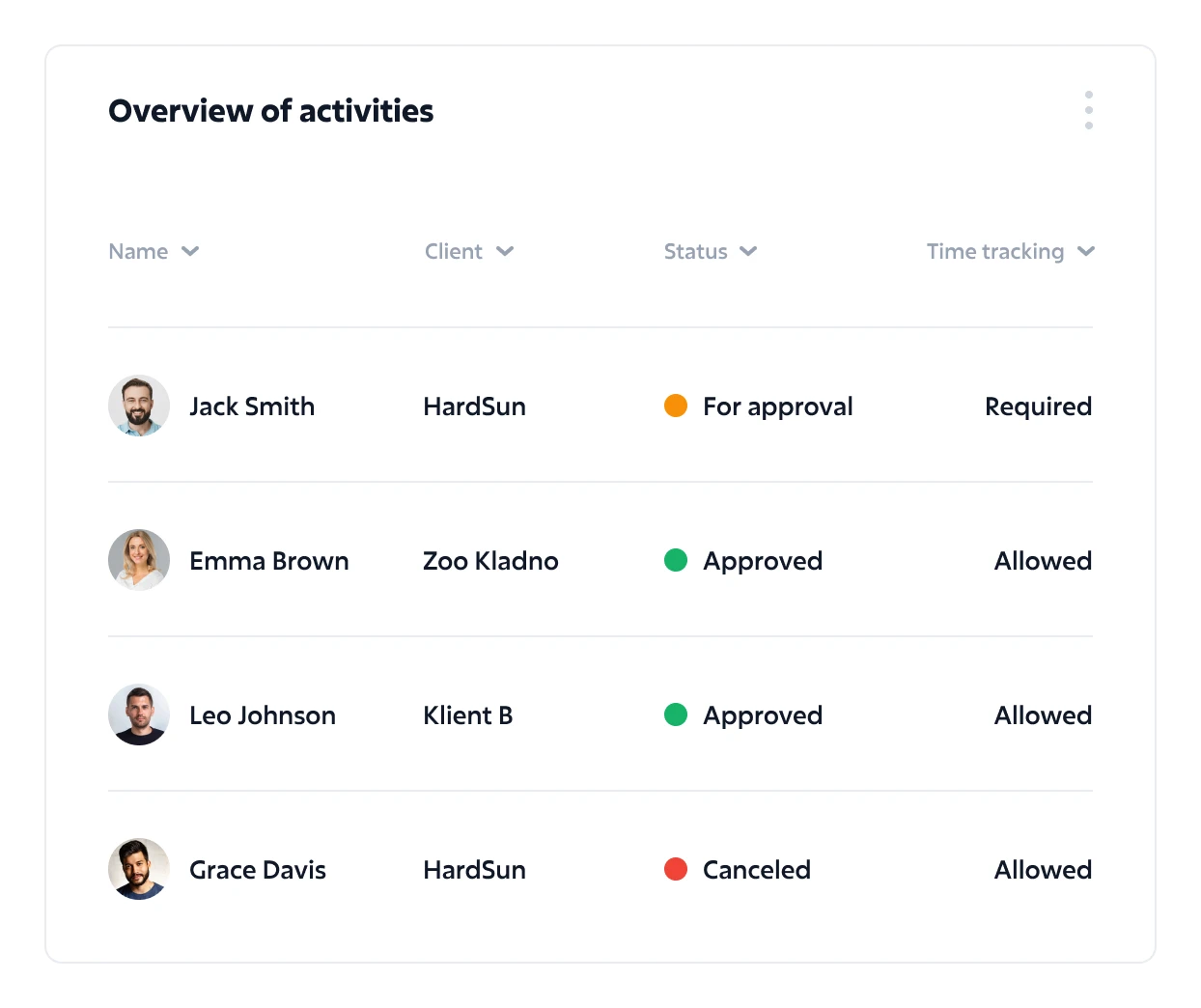
The timekeeping system helps optimize workflows. It automates employee attendance tracking and minimizes human error. Many systems include biometric clocks and support geolocation options, which further enhance data reliability and prevent buddy punching. This speeds up the attendance process and ensures precise data capture. Many systems use technologies like biometrics, which further enhance system reliability. In addition, attendance tools integrated into enterprise workforce management solutions help align employee hours with project needs, improving real-time workforce visibility for managers. Real-time messaging functions can notify managers immediately about missed punches or overtime limits, enabling quicker interventions.
Reduced Administrative Burden
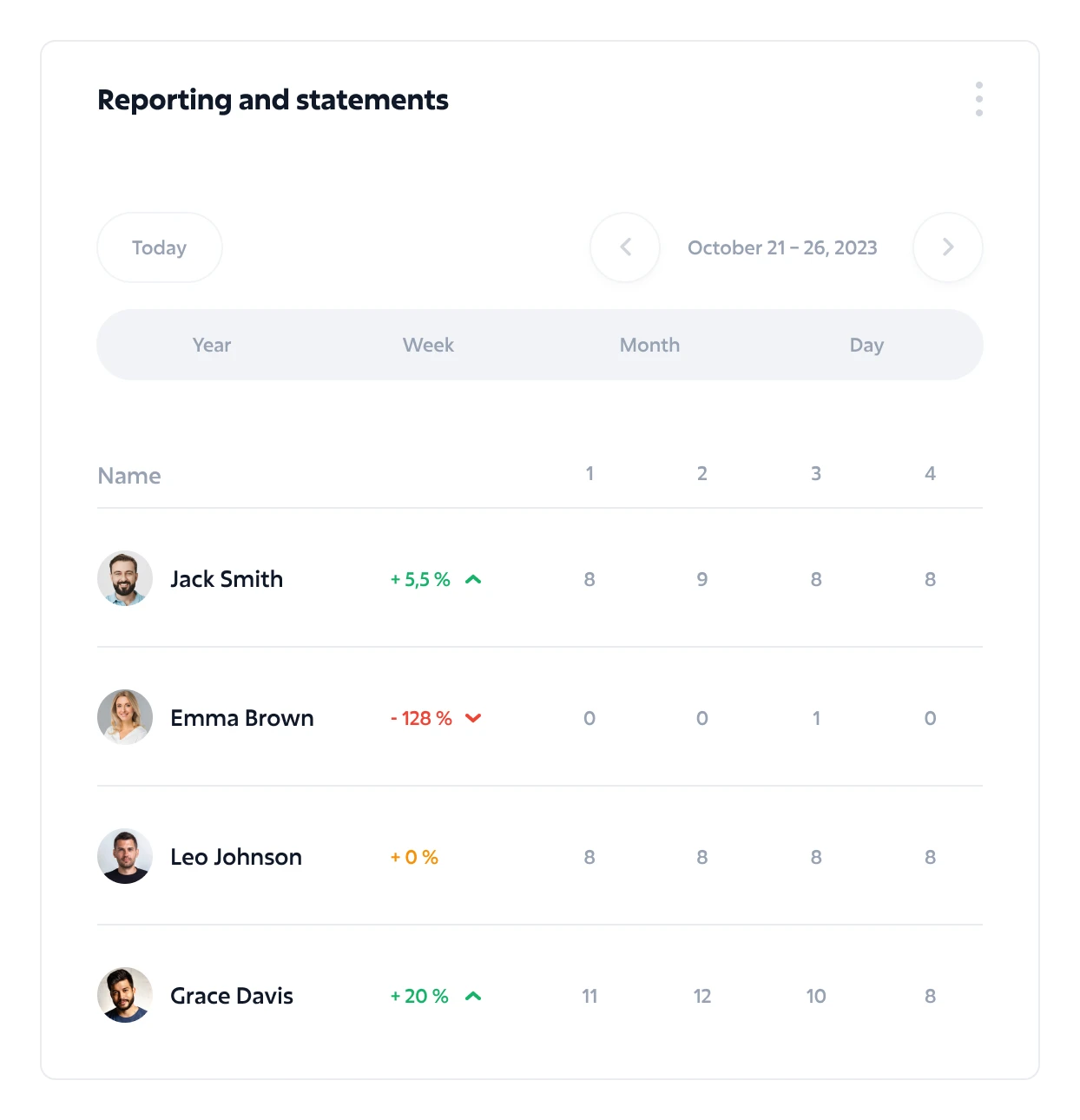
Implementing an attendance system reduces administrative complexity. It eliminates paper records, as the transition to digital data simplifies management. Integration with payroll systems allows for automatic and rapid data processing, enabling staff to focus on more critical tasks. Automated calculations for overtime eligibility and overtime expenses also reduce payroll errors and save valuable managers time. Downloadable reports and timesheets simplify audits and payroll reviews across multiple periods.
Types of Attendance Systems
Different types of time and attendance software and systems give companies the flexibility to choose a solution that best suits their employee monitoring needs. While many systems include a terminal, it’s not always required. Systems with advanced interfaces also support accessibility from both desktop browsers and mobile phones, offering greater convenience for varied user groups.
Biometric Systems
These use physical characteristics for employee identification. They offer high security through authentication using unique attributes like fingerprints or facial recognition. Biometric data is hard to manipulate, increasing accuracy and reliability. Such systems are particularly valuable in high-security industries or sectors where buddy punching is a concern.
Card-Based Systems
These use RFID or magnetic cards to track presence. Employees are identified via card when arriving or leaving, which automates the process. These systems are easy to implement and integrate well with payroll or security systems. They are also ideal for tracking specific job codes, enabling detailed cost breakdowns.
Mobile Applications
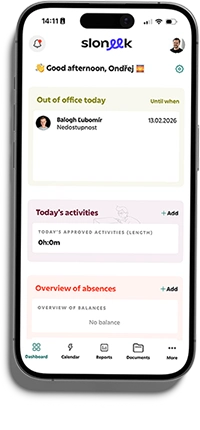
These allow employees to record attendance and follow schedules via their smartphones. They use GPS to verify location – so called geofencing, making them ideal time clock solution for remote workers. Mobile attendance offers flexibility and reduces the need for physical interactions concerning timekeeping. Many Mobile Solutions also include smart features like exchange feature support, allowing employees to swap shifts or request schedule changes through the app.
In addition to traditional options, some companies opt for comprehensive Workforce Management Solutions that combine attendance, shift scheduling, and job costing into a single service—ideal for organizations with higher operational demands. These tools also enhance employee engagement through integrated messaging, feedback modules, and self-service navigation.
How to Choose the Right Attendance System
Choosing the right system is crucial for optimizing your company’s workflows. It must meet the organization’s specific needs. Even a simple attendance system is better than none.
Company Needs
Each business has unique attendance tracking needs, depending on size and scheduling. Small companies may prefer simple card-based systems, while large corporations often opt for biometric solutions.
Flexibility is essential if employees work from various locations. Online attendance and mobile apps may be ideal. Integration with existing payroll systems enables better hour tracking and simplifies payroll. In certain sectors, such as the public sector or regional government services, it’s important to consider specific requirements like sets of security or compatibility with special district systems. Private sector organizations, on the other hand, often prioritize tightest integration with existing workforce-related software suites and cloud services. For example, school districts or counties may require solutions that support detailed audit trails and comply with local government codes.
Also, consider who works in the company. A Czech-only system may not be suitable for teams with many expats. Similarly, an Android-only app won’t be helpful in an all-Apple office.
Cost and Return on Investment
When choosing a system, consider its cost versus expected benefits, initial investment, and long-term maintenance. Systems with advanced features like biometrics may cost more but offer better accuracy and security.
A well-chosen system can deliver fast ROI by reducing administrative costs and streamlining processes. Analyses suggest that a well-managed attendance system can cut processing time by up to 30%. And for budget-conscious teams, free online attendance options exist too. Many platforms provide a detailed product overview and downloadable product sheet to help managers compare capabilities, including payroll software integration features. Some vendors also offer demo versions that you can download and test across various devices or periods before committing.
Time & Attendance Systems for Small Businesses
In a rapidly changing work environment, small businesses benefit greatly from having a reliable time and attendance software. Proper tracking can save time on admin and improve time management.
Here are some key types suited for small businesses:
Simple Card-Based Systems
Function: Employees use RFID or magnetic cards to register entry and exit.
Benefits: Easy to implement and cost-effective. Ideal for small teams.
Integration: Many systems can be linked to payroll or security tools.
Mobile Applications
Function: Employees track attendance via smartphones.
Benefits: Flexible and great for remote workers.
GPS Verification: Ensures employees are physically present when logging attendance.
Biometric Systems
Function: Identification via fingerprints or facial recognition.
Benefits: Highly accurate, prevents manipulation.
Investment: More costly, best for larger teams.
Some mobile and online tools also include employee requests, and shift trades, offering added flexibility for small teams.
Key Considerations When Choosing a System
Flexibility and User-Friendliness
It’s crucial that the system supports various time types, shift swaps, overtimes and complex time tracking rules. The system should be easy to use for both employees and managers. Flexibility in supporting various shifts and schedules is especially important for small businesses. Look for platforms that allow for a wide variety of time entries such as sick leave, travel, or unpaid absences to reflect true productivity.
Integration with Other Systems
Compatibility with existing software (e.g., payroll, accounting) simplifies overall company operations.
Cost and ROI
Small companies usually work with limited budgets, so both initial and operational costs, as well as potential savings, need careful evaluation.
Implementation and Integration
Planning and team cooperation are crucial during implementation. A well-integrated time and attendance software becomes effective once all transition hurdles are addressed.
Employee Training
Training should be structured. All employees must understand how to use the new system. Demonstrations, practice sessions, and individual support are recommended to ensure smooth adoption.
Linking with Company Systems
Connecting the attendance system with payroll and scheduling software ensures smooth data flow, minimizes errors, and enhances operational efficiency.
Chip-Based Time & Attendance Systems
Chip-based systems are an innovative way to track and manage employee attendance efficiently. These systems automate your time clock via chip cards or devices that employees scan upon arrival and departure.
They’re typically based on RFID (Radio-Frequency Identification), which allows quick and accurate entry/exit logging. When an employee scans their card, the system records the time and stores it in a database.
Cost of Time & Attendance Systems
The cost can significantly impact a company’s decision-making process. Systems differ in technology and required investment.
By Type
Biometric Systems: The most expensive due to advanced hardware. Prices start at ~EUR 800 depending on complexity.
Card-Based Systems: More affordable, typically EUR 400-1600 depending on number of readers/cards.
Mobile Apps: Lower upfront costs as no new hardware is needed but may have platform subscriptions or monthly fees (EUR 20-200/month for small businesses).
These applications always include basic time tracking options and often also time off requests and other core functions essential for accurate employee timekeeping.
The number of users affects cost. More employees means higher setup and maintenance costs, especially for biometric and card systems.
Advanced functions (e.g., reports, analytics, integrations) can increase total cost. Installation and training may add EUR 200-600. Maintenance or support plans (monthly/annual) can range from EUR 40-200 per month.
While price is critical, it’s just as important to consider functionality, usability, and organizational needs. A good system can yield long-term savings and boost workforce management.
What Are Free Attendance Systems?
Free attendance systems are software or apps that help companies track employee attendance without paid subscriptions. They typically offer basic features like time logging, presence tracking, and simple reports.
Advantages
Zero Cost: Perfect for startups and small businesses on tight budgets.
Accessibility: Usually cloud-based and accessible from any internet-connected device.
Quick Setup: Easy to use and fast to deploy, minimizing training needs.
Disadvantages
Limited Features: Often lack advanced tools like analytics or integrations.
Lack of Support: Don’t usually offer the same level of customer service or updates.
Data Risk: May have weaker security or stability, raising concerns about data safety.
How to Choose a Free System
You should always take this into question:
Functionality: Ensure it meets basic needs and includes all time tracking options you require.
Usability: It should be intuitive for all of the users.
Security: Check for data protection and backup options as such systems work with sensitive data including labor costs.
Compatibility: Make sure that the chosen system has certifications or integrations for other software you use including payroll solutions.
Terms of Use: Read carefully to avoid hidden fees or limitations for private or public sector.
Conclusion
An attendance system is an essential tool for modern HR management. It is not only time clock that tracks employee presence but also optimizes workflows and improves overall efficiency. Investing in the right system pays off through reduced admin work and increased employee satisfaction.
Choosing the best system for your company’s needs is key. Careful planning and integration with existing tools ensure smooth implementation and fewer errors. Technologies like biometrics and mobile apps offer flexibility and security – both crucial in today’s fast-paced work environment.