Sloneek in your AI tools
Your HR data, working inside the AI assistant your company already uses.

How it works
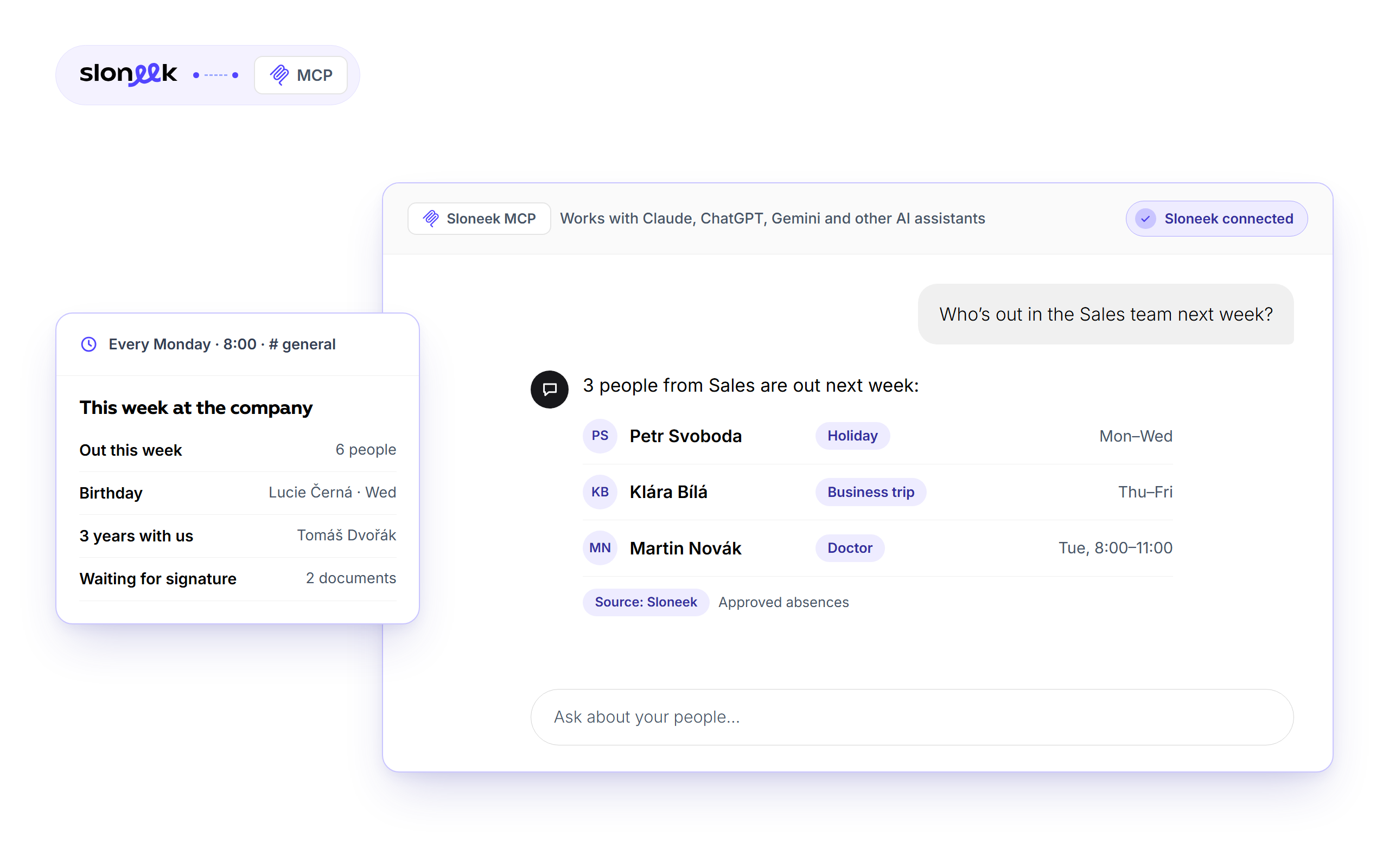
The Sloneek MCP server connects Sloneek Intelligence to your company’s AI assistant, such as ChatGPT or Claude. HR admins set up updates once, like a weekly “who is out” post in your team channel. They keep arriving without anyone opening Sloneek.
Why HR teams use it
- Updates that arrive on their own — set up roundups and birthday posts once.
- Fewer reminders to chase — unsigned documents get reminded automatically.
- HR data next to business data — combine people and finance data.
Setting it up
It works with Sloneek Intelligence. HR admins set it up, and employees see only the updates, not their own personal data. Open the setup guide →
How it fits together
FAQ
-
Does Sloneek have an MCP server? Yes. The Sloneek MCP server connects Sloneek Intelligence to your company’s AI assistant, such as ChatGPT or Claude.
-
Can employees ask the AI assistant about their own HR data? Not yet. HR admins set it up, and employees see only the updates it shares, such as a weekly absence roundup.
-
Do we need Sloneek Intelligence? Yes. The MCP server works with Sloneek Intelligence and isn’t sold on its own.
See Sloneek and Sloneek in your AI tools in action
We’ll show you how the integration works and answer questions about your setup.
- A live walkthrough with our team
- Answers about your specific tools
- No commitment


Talk to our team. We’re here for you.


