
How it works
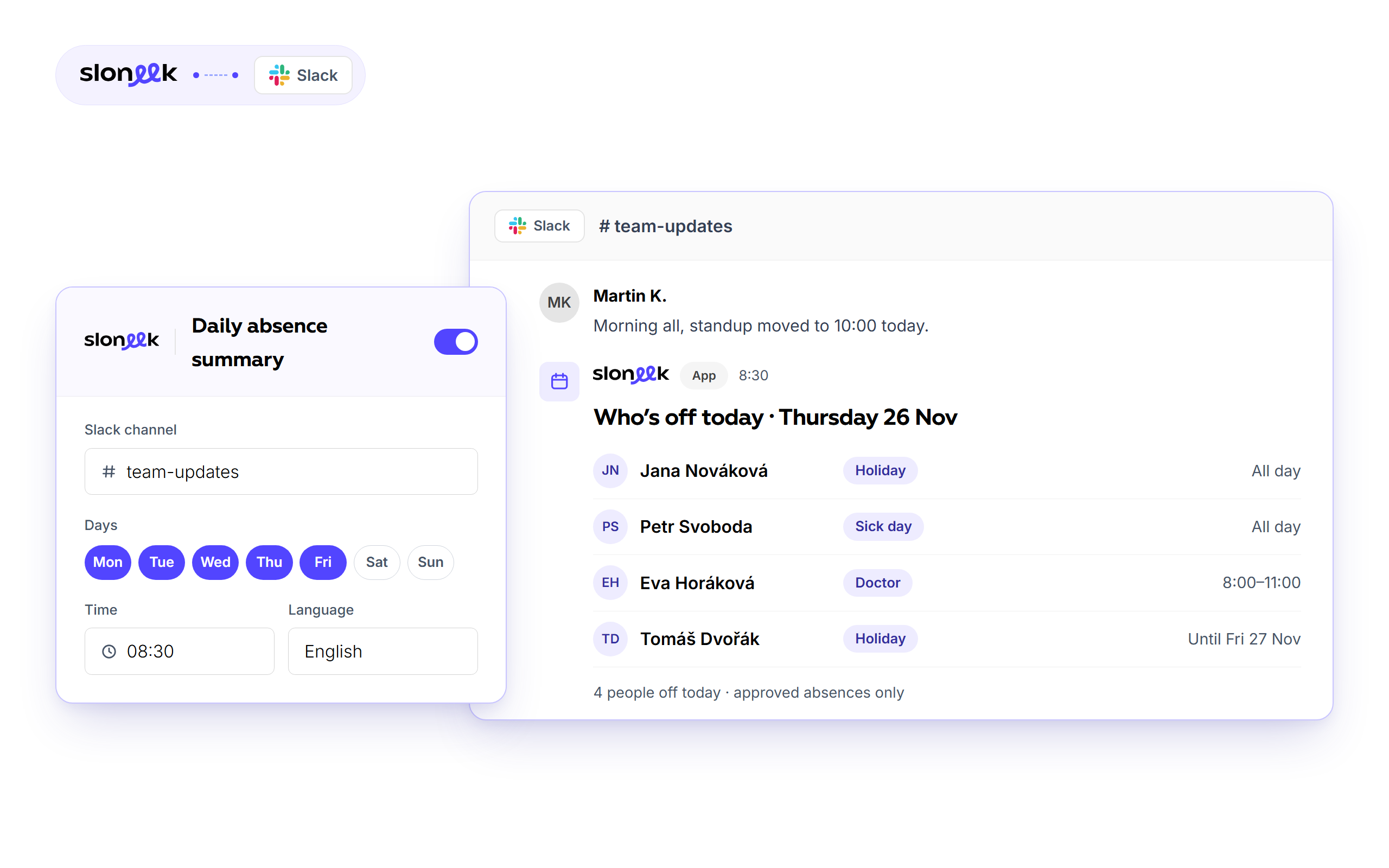
Sloneek posts a daily summary of approved absences to the Slack channel you choose. You set the days, the time and the language of the message. Everyone starts the day knowing who is away.
Why HR teams use it
- Fewer “is she in today?” questions — the answer is already in Slack.
- Better planning — meetings and handovers fit around who is off.
- No extra tool to check — updates arrive where your team talks.
Setting it up
The summary shows approved absences only, on the days you choose.
How it fits together
FAQ
-
Can Sloneek send absence notifications to Slack? Yes. Sloneek posts a daily summary of who is off to the Slack channel you choose.
-
Which absences appear in Slack? Only approved absences, so the summary matches what managers signed off in Sloneek.
-
Can we choose when the summary is posted? Yes. You pick the days of the week, the time and the language of the message.
See Sloneek and Slack in action
We’ll show you how the integration works and answer questions about your setup.
- A live walkthrough with our team
- Answers about your specific tools
- No commitment


Talk to our team. We’re here for you.
More integrations

Google Workspace
Google sign-in, people and calendar
Workplace & sign-in
Microsoft Entra ID
Microsoft sign-in, people and Outlook
Workplace & sign-in
Okta
Sign in to Sloneek with Okta
Workplace & sign-in
Pamica
Attendance and absences for payroll
Payroll & accounting